



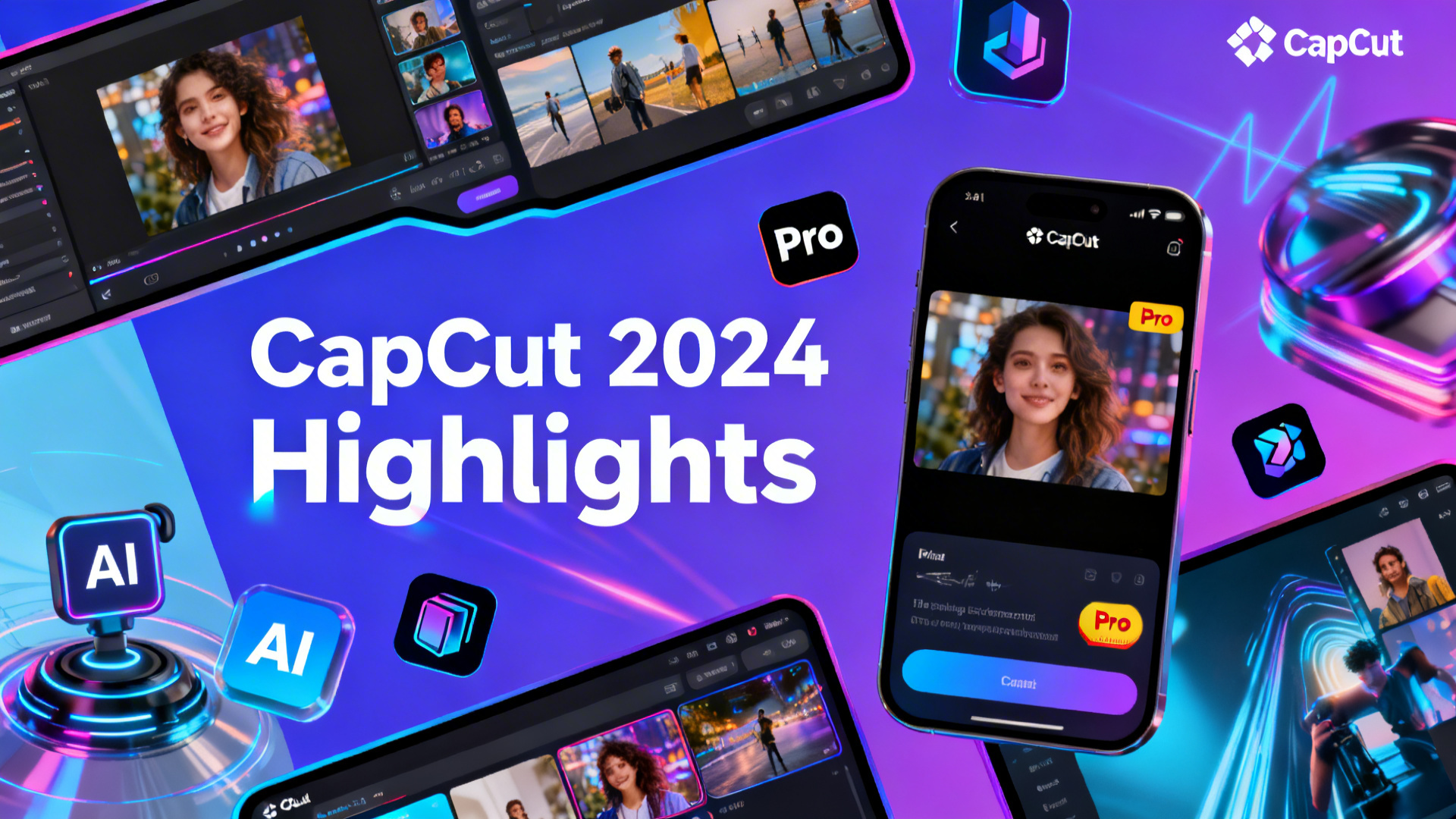
CapCut 2024 Summary:
CapCut, developed by ByteDance, continued its rapid growth in 2024 as a leading video editing platform for both mobile and desktop users. The app expanded its suite of AI-powered tools, including advanced auto-cut, background removal, and creative effects. CapCut integrated more seamless workflows for TikTok creators, offering one-tap export and trending templates. Its global user base surpassed 500 million, with strong adoption in content creation, social media marketing, and e-commerce. CapCut’s desktop version received major updates, introducing multi-track editing, professional-grade transitions, and collaborative project features. The platform solidified its reputation for intuitive design, accessibility, and innovation, making it a top choice for creators of all skill levels in 2024.
CapCut 2024 Detailed Summary:
- AI-Powered Editing Tools
- Enhanced auto-cut and smart trimming features for rapid video editing.
- Advanced background removal and object cutout powered by AI.
- AI effects: automatic color correction, face enhancement, and creative filters.
- Template Ecosystem & Social Integration
- Thousands of trending templates for TikTok, Instagram, and YouTube.
- Seamless integration with TikTok: direct export, trending sound sync, and viral effects.
- Collaborative editing features for teams and creators.
- Desktop & Mobile Upgrades
- Desktop version with multi-track timeline, pro transitions, and keyframe animation.
- Mobile app improvements: faster rendering, intuitive UI, and expanded sticker/effect library.
- Global User Growth
- Over 500 million global users, with strong presence in Asia, North America, and Europe.
- Popular among influencers, marketers, educators, and e-commerce sellers.
- Business & E-Commerce Features
- Product showcase templates, text overlay tools, and branded watermark options.
- Support for vertical, horizontal, and square formats for ads and social posts.
- Innovation & Accessibility
- Continued focus on easy-to-use design for beginners and professionals alike.
- Multilingual support and localized content for worldwide audiences.
CapCut in 2024 stands out as a versatile, innovative, and accessible video editing platform, empowering creators and businesses with powerful tools and seamless social media integration.
Here is a summary of CapCut’s main updates and new features in 2024:
AI-Powered Tools:
- AI Video Generators: Tools like Kling AI and PixVerse were introduced, allowing users to generate videos from text prompts.
- AI-Powered Photo Expansion and Animation: Users can now expand photos using AI and animate them.
- AI Brush: A new quick brush for AI removal and replacement functions was added, making it easier to edit visual elements.
- Voice Enhancement and Isolation: Pro features for enhancing voice quality and isolating vocals were introduced.
Editing and User Experience:
- Favorites: You can now save your favorite transitions, filters, and effects for quick access.
- Long-form to Shorts Transformation: A feature was added to easily convert long videos into short clips and change their format from landscape to portrait.
- Improved Image and Video Quality: New tools for color correction, background removal, and restoration of old photos were added.
- Multi-object Selection: The ability to select multiple objects at once for easier editing.
- Watermark Removal: The watermark on edited videos can now be removed without a subscription.
Pro and Commercial Features:
- CapCut Pro: Some features, such as automatic subtitles and advanced templates, were moved to the CapCut Pro subscription plan.
- CapCut Commerce Pro: This version received updates including enhanced collaboration tools, advanced analytics, and integration with e-commerce platforms.
- Copyright Check: A feature to check for copyright issues in your videos was added.
These updates show a strong focus on integrating AI to simplify and enhance the video creation process, as well as providing more powerful tools for both casual and professional users.
Here is a summary of CapCut’s main updates and features from last year, 2025:
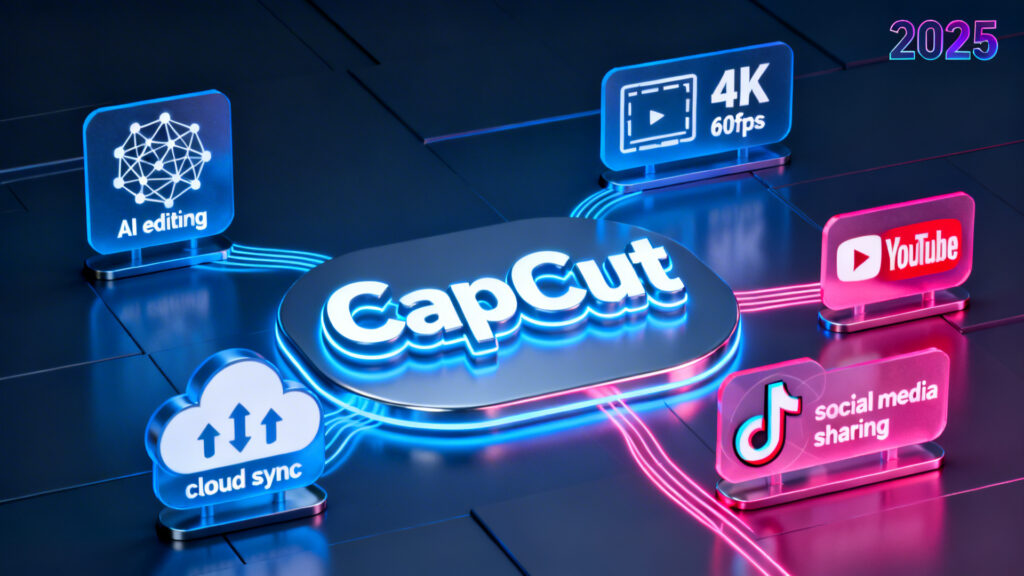
The most significant event of 2025 was CapCut’s official return to the United States. Service was reactivated in January, and the app became available for download again on the App Store and Google Play Store in February.
Key feature updates included:
- Advanced AI Video Generation: New and improved AI video generation tools like Kling 2.0 and PixVerse v4.5 were rolled out, allowing for more sophisticated text-to-video creation.
- Shift to Subscription: More features that were previously free, such as advanced templates and specific transitions, were moved to the CapCut Pro subscription plan, continuing the trend from late 2024.
Highlight Kling 2.0 and PixVerse v4.5 upgradesSummarize impacts of Pro subscription changesList U.S. market reactivation milestones
2025 was a defining year for CapCut, marked by a massive shift toward AI-driven automation and a major restructuring of its operations in the United States.
The following is a summary of the most critical updates and news from 2025:
1. Major AI Feature Rollouts (AI Lab)
CapCut consolidated its advanced generative features into a new hub called AI Lab. Key tools that became industry standards by the end of 2025 include:
- Long-Video-to-Shorts: An automated tool that ingests long-form content (like podcasts), identifies viral moments, and intelligently crops and captions them for TikTok and Reels.
- AI Video Enhancer: Delivers one-tap resolution boosts, color correction, and noise reduction for low-quality footage.
- Transcript-Based Editing: Users can edit videos by deleting text in an auto-generated transcript; removing a sentence in the text automatically cuts the corresponding video footage.
- AI Dubbing & Voice Characters: Features like “Speech-to-Song” and hyper-realistic voice cloning allow creators to translate content while retaining their original vocal tone.
2. CapCut Commerce Pro
In 2025, CapCut launched a dedicated business tier ($25.99/mo) specifically for e-commerce:
- URL-to-Video: Users paste a product link (e.g., from Shopify), and the AI pulls images and descriptions to generate a promotional ad automatically.
- AI Model Try-On: Virtual avatars that can “wear” clothing items, eliminating the need for physical photoshoots.
- Batch Replacement: Allows sellers to swap products across the same realistic lifestyle backgrounds with a single click.
3. The “Great Migration” (U.S. Specific)
Due to federal divestiture laws and data sovereignty requirements, CapCut began a mandatory migration for American creators in September 2025:
- CapCut US: A localized version of the app was introduced to house U.S. user data domestically.
- Migration Deadline: Users have a grace period until March 2026 to transfer their cloud projects to the new environment. After this, the legacy global app will cease to function in the U.S.
4. Pricing and Copyright Changes
2025 saw CapCut transition from a casual tool to a professional-grade subscription service:
- Price Adjustment: In May 2025, the monthly Pro subscription jumped from $9.99 to $19.99 in many regions.
- New Terms of Service: Updated in June 2025, the terms granted CapCut extensive rights to use and modify user-generated content.
- Personal vs. Commercial Use: Many templates, effects, and music tracks were redesignated for “personal use only,” effectively making a Pro or Commerce license a requirement for brand collaborations and ads.
Summary of 2025 Trends
| Feature Type | Most Popular in 2025 | Impact |
| Automation | AutoCut & Smart Templates | Lowered the barrier for non-editors. |
| Audio | AI Voice Filters & Enhance Voice | Professional audio quality without high-end mics. |
| Accessibility | Auto Captions & Bilingual Text | Standardized on-screen storytelling. |
| Workflow | Cross-Platform Cloud Sync | Seamless editing between Mobile, Desktop, and Web. |
About the Author