



The Ultimate Guide to Suno v5.5: Custom Voices, Personalized Models, and Pro Features
Suno has just dropped its biggest update yet with the release of Suno v5.5 (rolled out in late March 2026). While previous versions focused heavily on improving general audio quality and song structure, v5.5 is entirely about personalization and professional control.
If you are a creator looking to produce unique tracks, monetize your music, or generate high-quality original audio for your video projects, this update changes the game. Here is a complete breakdown of everything new in Suno v5.5.
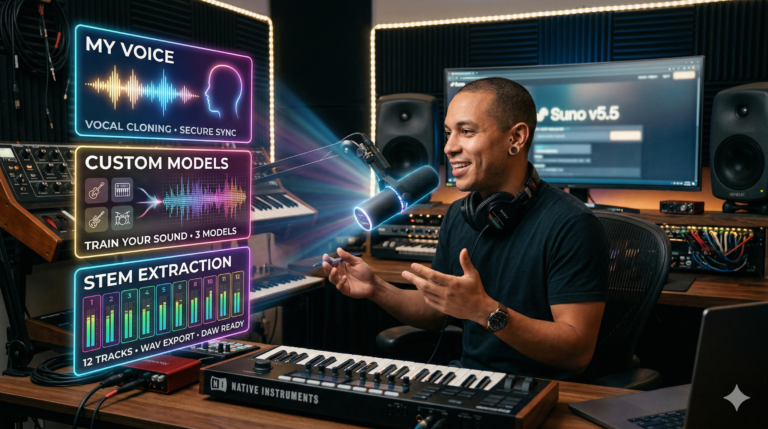
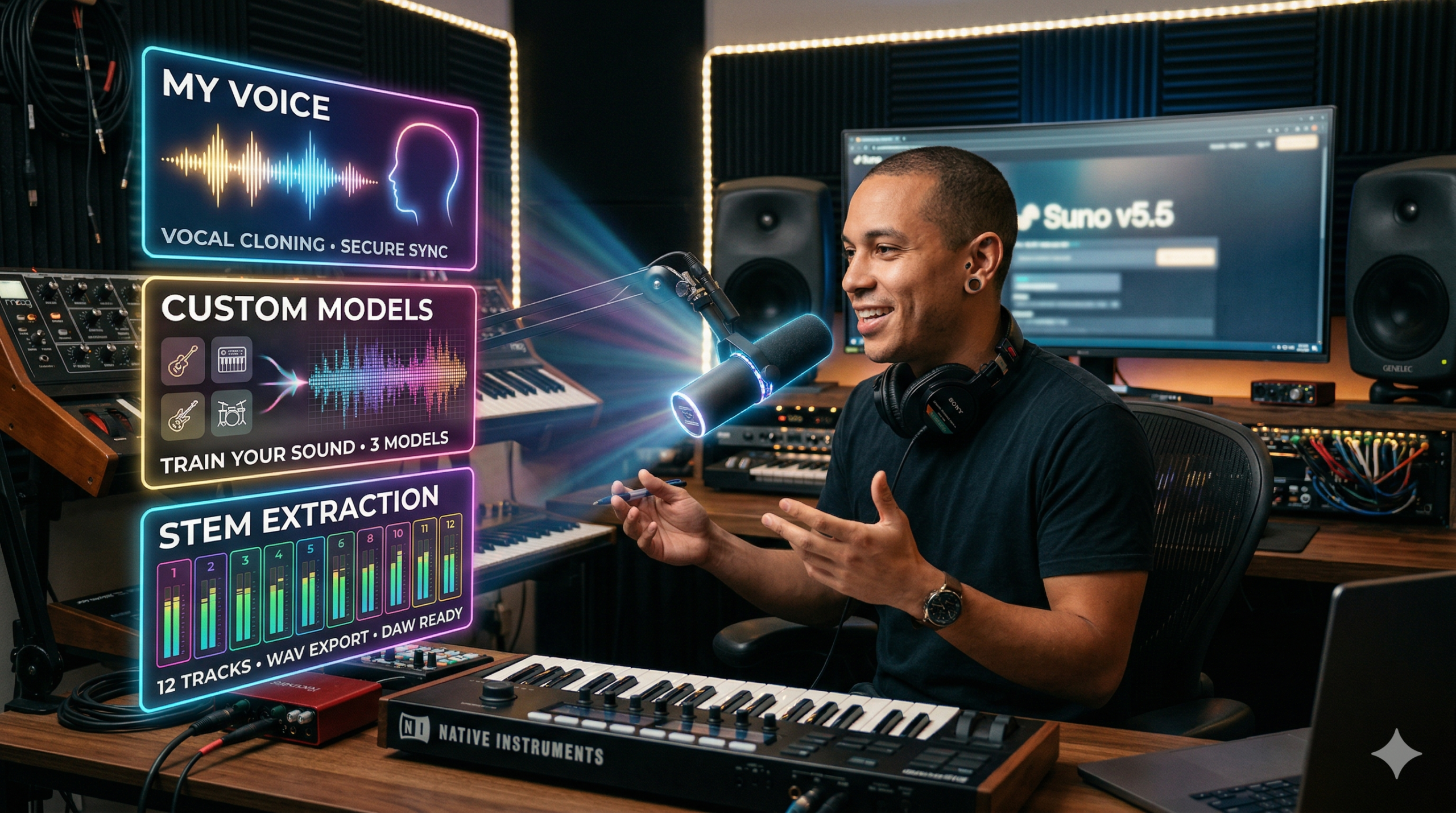
1. The “Voices” Feature: Sing With Your Own Voice
One of the most requested features is finally here. Available to Pro and Premier subscribers, the new Voices tool allows you to use your own vocals in AI-generated tracks.
- How it works: You can record directly into Suno or upload an existing audio file of your voice. The AI captures your vocal identity and applies it as the lead vocalist for your generated songs.
- Verification: To prevent impersonation and deepfakes, Suno requires a live voice-matching verification step.
- The Benefit: You no longer have to rely on random AI voices. You can maintain a consistent vocal identity across all your tracks or video soundtracks without needing to record multiple studio takes.
2. Custom Models: Train the AI on Your Sound
Suno v5.5 introduces the ability to create Custom Models. Instead of using the base model that everyone else has access to, Pro and Premier users can now fine-tune the AI using their own original audio.
- How it works: By uploading up to 30 minutes of your own audio catalog, you teach the AI your specific sonic style, rhythms, and preferred instrumentation.
- The Benefit: Your prompts will now generate music that distinctly sounds like you. This is incredibly powerful for producers wanting to build a cohesive discography or a recognizable signature sound for commercial projects.
3. Advanced Production with Suno Studio & Stems
Suno is moving closer to being a full Digital Audio Workstation (DAW) with the introduction of Suno Studio and advanced editing capabilities.
- 12-Track Stem Extraction: You can now split your generated songs into up to 12 separate vocal and instrument stems. These time-aligned WAV files can be exported and dropped directly into Logic, Ableton, or any other traditional DAW for professional mixing and mastering.
- Expanded Audio Uploads: Users can now upload up to 30 minutes of audio (up from the previous 8-minute limit) to extend, remix, or add new vocals and instrumentals to existing songs.
4. Commercial Rights and Subscription Tiers
Understanding the licensing is crucial for anyone looking to monetize their AI creations or use them in commercial content.
- Free Plan: Grants access to the older v4.5 model with 50 daily credits (about 10 songs). No commercial rights are included.
- Pro Plan: Unlocks the v5.5 model, Custom Models, Voices, and Suno Studio. It provides 2,500 monthly credits (up to 500 songs) and includes full commercial use rights.
- Premier Plan: Includes everything in Pro, but with 10,000 monthly credits (up to 2,000 songs) and a priority generation queue for faster rendering.
Summary for Creators
The v5.5 update bridges the gap between casual AI generation and serious music production. By offering commercial rights, stem extraction, and custom voice modeling, Suno is making it easier than ever to produce high-fidelity, highly personalized audio for your content, client work, or digital storefronts.
About the Author